The Outstanding Issues Log template that survives every cadence.
Copy the structure below to track open actions, decisions, risks, and blockers across recurring meetings, with owners, status, and a history of what changed since last time.
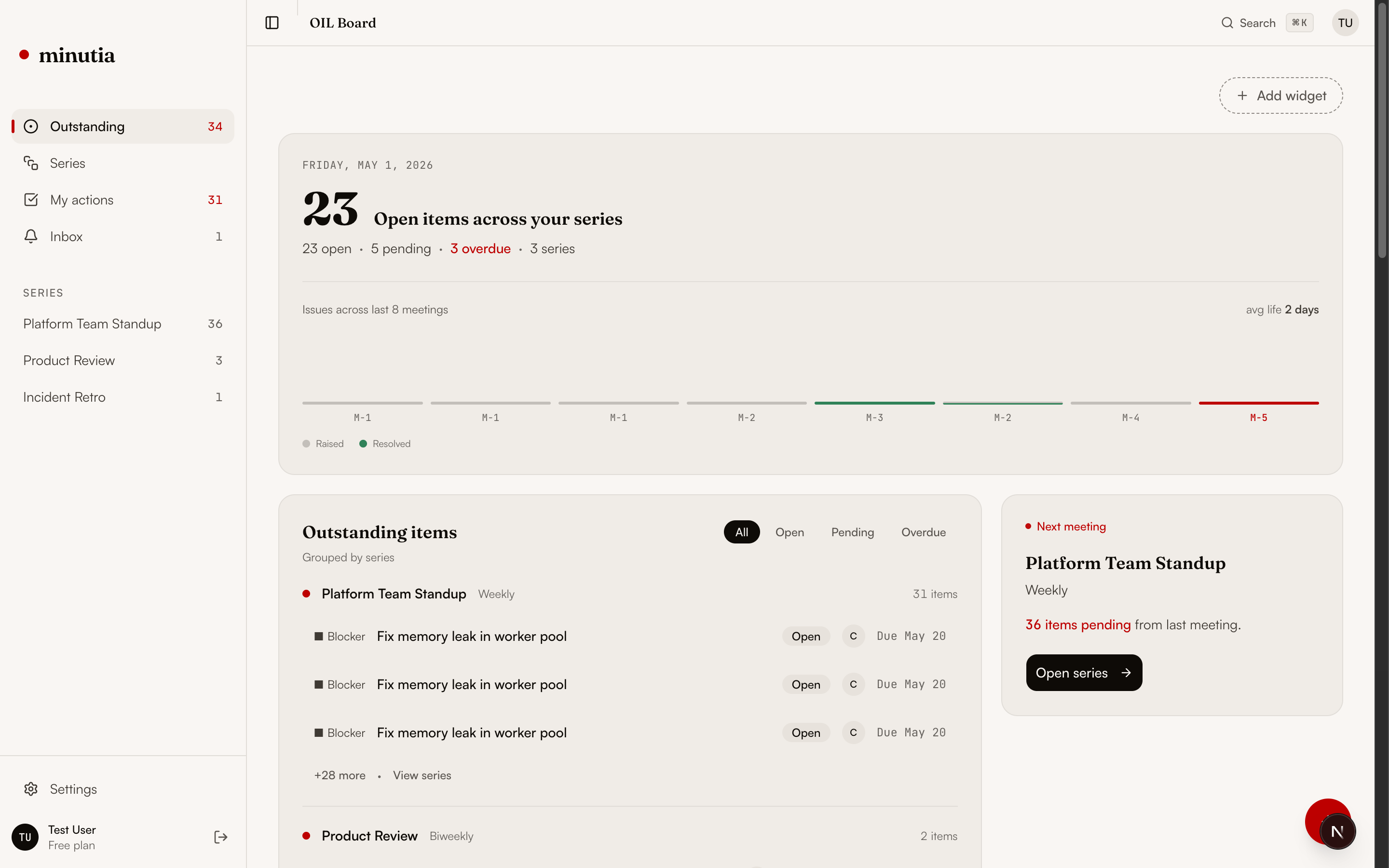
Seven columns are enough.
The goal is not more documentation. It is operational clarity: what is owed, by whom, since when, and what changed. Start with these columns and resist adding more until you need them.
Every team starts with a sheet. Most quietly abandon it.
A spreadsheet OIL is universal and free, which is exactly why it rots. There is no lifecycle, no carry-forward, and no record of what changed. Within a few cadences the status column is fiction.
Run the log in five steps.
The template only works if the next meeting opens from it. These five steps turn a static list into a living operating surface.
Seed
List every open item from the last three sessions of one recurring meeting. One row each.
Assign
Give every row a named owner and a status. Flag anything without an owner.
Age
Add the raised date. Mark items older than two cadences for a decision: close, carry, or escalate.
Review
Open the next meeting from the log, not a blank doc. Walk the marked items first.
Carry
Close done items visibly and carry unresolved items forward with their history intact.
The log keeps itself current.
Minutia is an open-source Outstanding Issues Log for recurring meetings. It keeps actions, decisions, risks, and blockers tied to the meeting series where they started, tracks the full lifecycle, and opens the next session with a pre-meeting brief instead of a rebuilt agenda.
Outstanding Issues Log questions.
What is an Outstanding Issues Log?
An Outstanding Issues Log (OIL) is a running list of unresolved actions, decisions, risks, and blockers from a recurring meeting. Unlike meeting notes, it persists across sessions so nothing is dropped between cadences.
What columns should an Outstanding Issues Log have?
At minimum: the item, its type, a named owner, the date it was raised, current status, the meeting series it belongs to, and what changed since the last session.
Is a spreadsheet good enough for an OIL?
A spreadsheet works at first, but it decays. Status goes stale, history is overwritten, and one person becomes responsible for keeping it alive. A purpose-built log keeps the list current and shareable across meetings.
How is an OIL different from a project management tool?
Project tools track delivery work over weeks or months. An Outstanding Issues Log tracks meeting-level commitments from one cadence to the next, and feeds the pre-meeting brief. They complement each other.
Join the Minutia Cloud waitlist.
Tell us where recurring meetings lose continuity today. We will reply from [email protected] with early access timing.